
Next
Pricing
Three simple plans, priced in your own currency.

Customer records & history
Each customer in SendWork has one record: their details, every address you work at, and every job you've done for them — booked, in progress or finished. Open any job and its estimate, invoice, payments and history are right there. Find anyone in seconds, and add a new customer without leaving the job you're booking.
RAActive
Alvarez Property Group · sample customer, invented details
Open a customer
In SendWork a customer isn't just a name in a list. Each one is a record that grows with every job, so whoever answers the phone can see who they are, where you work for them and what you've done — without asking around.
New customers
No separate data entry. In Create Task, start typing the customer's name. If they're new, press + and add them right there: a name is all it needs, with an email and phone if you have them. The address you book becomes one of their service locations.
Type a name that's already in your list and SendWork picks that customer instead of making a copy.
Work Record · optional
Every finished job keeps its Work Record: what was done, photos from before and after, the parts used and the time on site. It stays on the customer’s record. Send it when they ask, or whenever you want them to see the difference — nothing goes out on its own.
Work RecordKitchen sink leak repairMarta Silva · 9 Ocean Drive · Wed, Oct 21
Ready · not sent
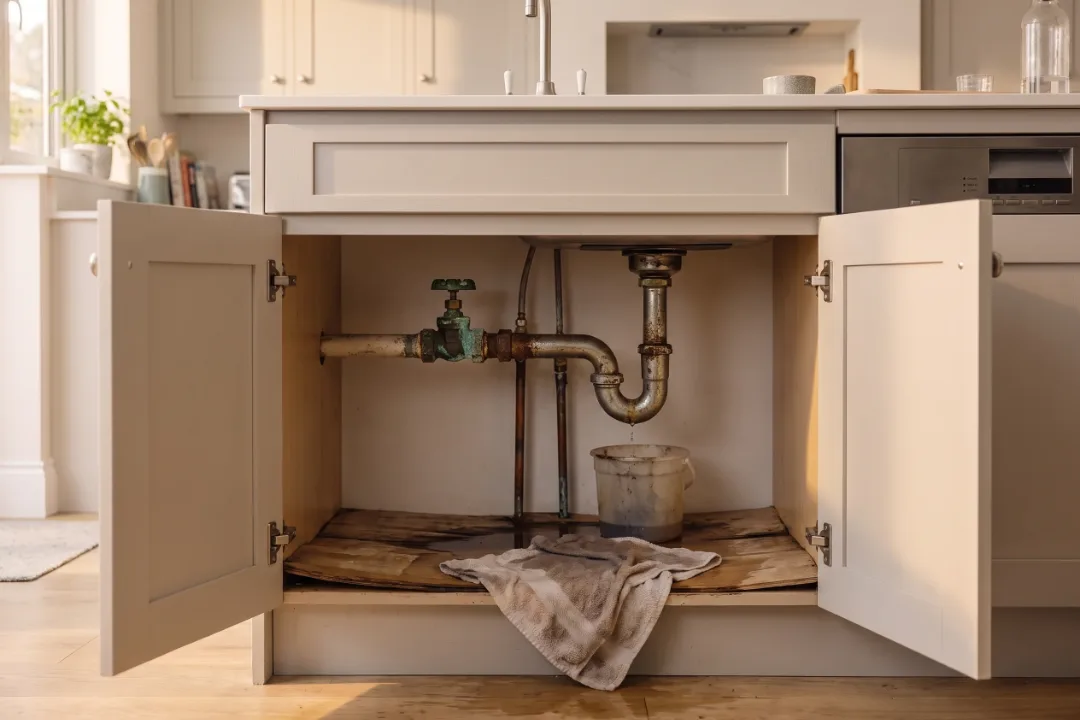
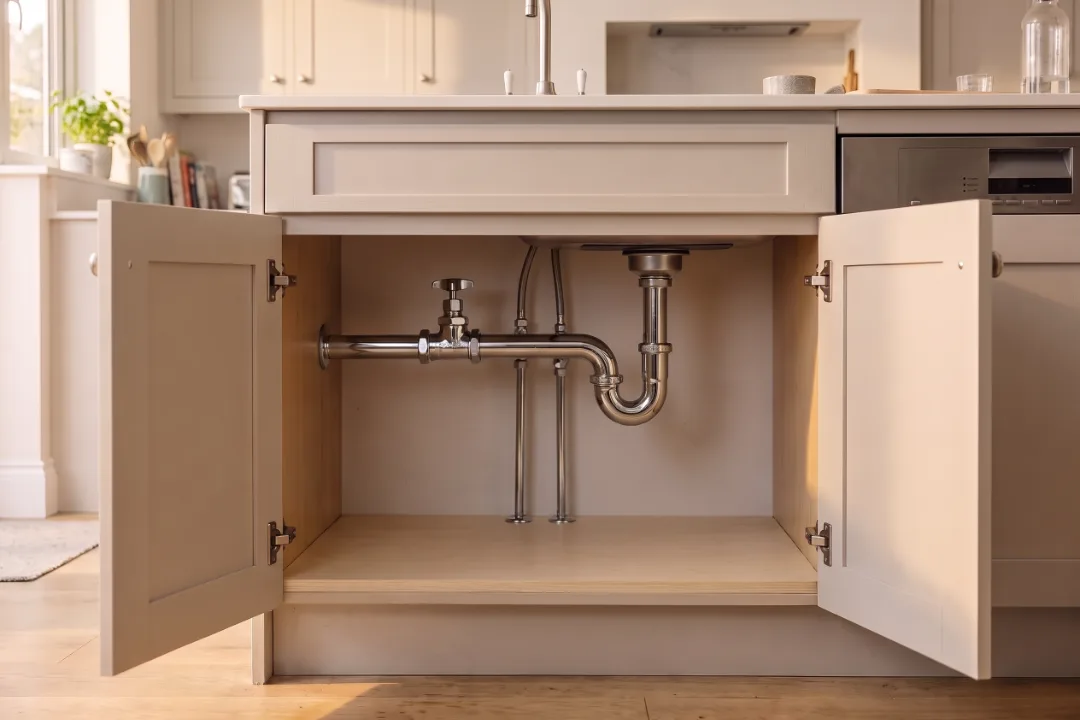
Note The old valve had been weeping for months — worth checking the bathroom’s too.
Keep the list clean
The small things that keep a few hundred customers easy to work with.
Tag customers your way — monthly service, commercial, three sites — with suggestions from the tags you already use. Filter by any of them.
Set the customer type. Add a company name while booking and SendWork marks them commercial for you.
Note each customer's source — a referral, your website, the sign on the van — so you know what brings work in.
Mobile, work, home or other. Pick the number you call first.
Archive a customer you no longer work for. Their record and job history stay, under Archived.
Each customer record has its own address, so you can bookmark it or send it to a team member and land straight on it.
Before you choose
Straight answers on finding customers, their addresses, their job history and what they can see.
On their record, under Activity: every job, sorted into pending, active and completed, with counts of what's open, canceled and unpaid. Open any job to see its estimate, invoice, payments and history.
Yes. Add as many service locations as you need — home, work or other — and choose a default. Each one opens directions in Google Maps.
No. Add them in Create Task while you book. A name is the only thing required; the address you book is saved to their record.
They move to Archived, out of your everyday list. Their record and job history stay, so nothing is lost.
Yes. Search looks at names, emails, companies, phone numbers — typed with or without spaces and dashes — and addresses.
Not yet. Add customers as you go — on the Customers page, or in a few seconds while you book their first job.
No, there's no customer login. Your customers get emails about their jobs and a page to approve each estimate. The record itself is yours.
Keep exploring
Next
Three simple plans, priced in your own currency.
Price the job once — the estimate, deposit and invoice follow.
Schedule it once — every visit booked, repeat work included.
SendWork is opening founding-customer access in stages, starting in 14 countries. Founding customers get the first invitations, a person to help them get set up and a direct say in what gets built for their industry.
Launching with a 14-day free trial. No credit card required.